Dartwords
Darty and a coloured dartboard
Dartwords is a daily word-guessing game from The Game Band. Guess the secret word in ten tries, using Darty’s replies and the dartboard to guide each new word.
 Original game
Open the original game. Keep this guide handy.
Darty responds to a word guess with a clue. Use what it says about the target to choose the next word.
The dartboard shows how close your guesses are. Combine that feedback with the written clues.
You have ten attempts to identify the secret word. A new guess should test something you learned from the last response.
Find the secret word within ten tries. The dartboard is word-guess feedback; you do not aim or throw a dart with the mouse.
An illustrative attempt count, not a daily solution.
| Stage | Guesses left |
|---|---|
| Before your first guess | 10 |
| After one submitted guess | 9 |
| After three submitted guesses | 7 |
Use each reply to make the next guess more informative.
Clueffy’s Day 19 video shows Darty, the coloured dartboard and typed word guesses.
www.dartwords.com · current browser version
Sources checked · How we check games
Darty and a coloured dartboard
The original game’s help gives you ten tries.
No. Enter a word; the game places the result on the board.
Darty responds to your guesses. Read each reply before entering another word.
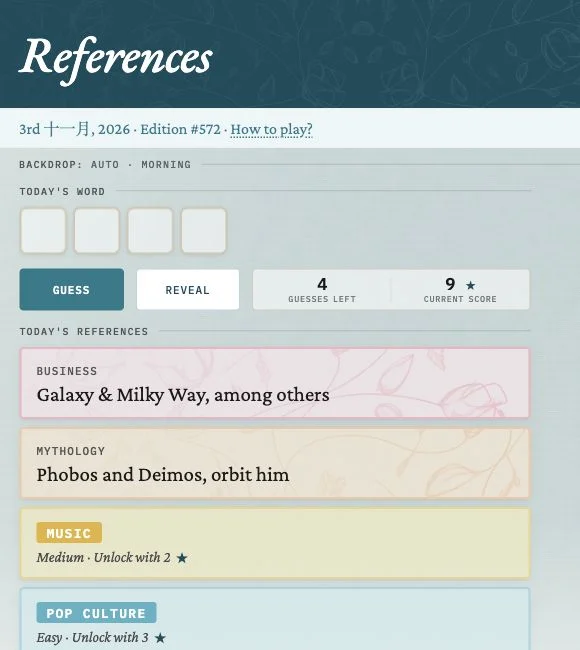 Explore game
Different clues. One shared word.
Let’s play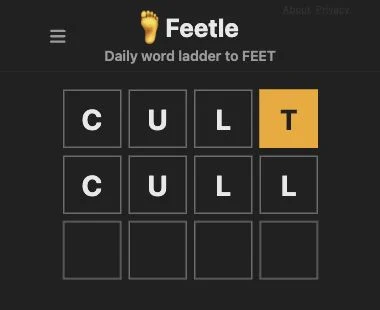 Explore game
One letter closer to FEET.
Let’s play Explore game
Solve the small puzzles. See the bigger picture.
Let’s play