Minecraftle
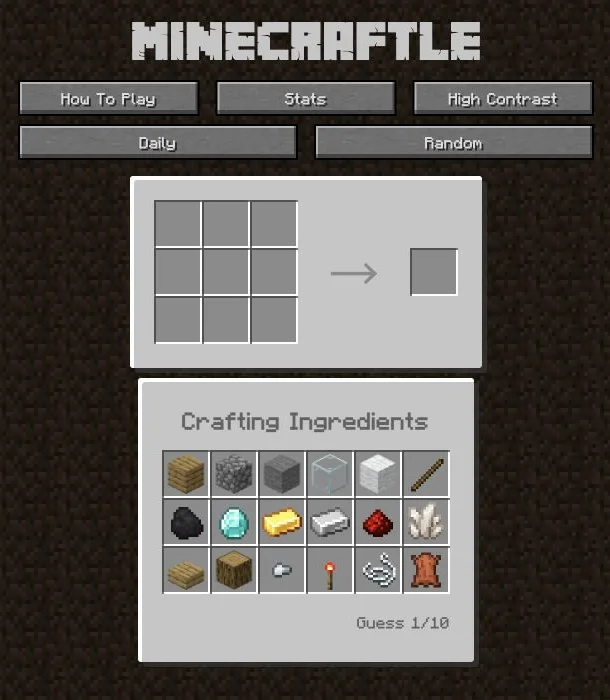
A three-by-three crafting grid
Minecraftle is a crafting-recipe puzzle. Arrange the supplied Minecraft ingredients in a three-by-three grid and use colour feedback to find the secret item in ten guesses.
 Original game
Open the original game. Keep this guide handy.
Choose ingredients from the inventory and arrange them in the crafting grid.
Green marks a correct ingredient in the correct slot. Orange means it belongs in another slot; grey means it is not in the recipe.
Keep confirmed positions and change the others. Solve within ten guesses or start a Random puzzle for more practice.
Use the feedback to finish the recipe in as few of the ten attempts as possible.
An illustrative guide to the feedback, not today’s solution.
| Feedback or action | What it means |
|---|---|
| Green | Keep the ingredient in that slot |
| Orange | Try that ingredient in another slot |
| Grey | Replace it with another ingredient |
Test an uncertain slot while keeping the green ingredients in place.
The Minecraftle segment in Clueffy’s October 16 compilation shows the crafting inventory, grid and ten-guess counter. Its edited caption says Day 17; the video overlay says Day 15.
minecraftle.zachmanson.com · Crafting logic
Sources checked · How we check games
A three-by-three crafting grid
The puzzle runs on the Minecraftle website in your browser.
That ingredient belongs in the recipe, but in a different grid position.
Use Random beside the Daily option on the original site.
 Explore game
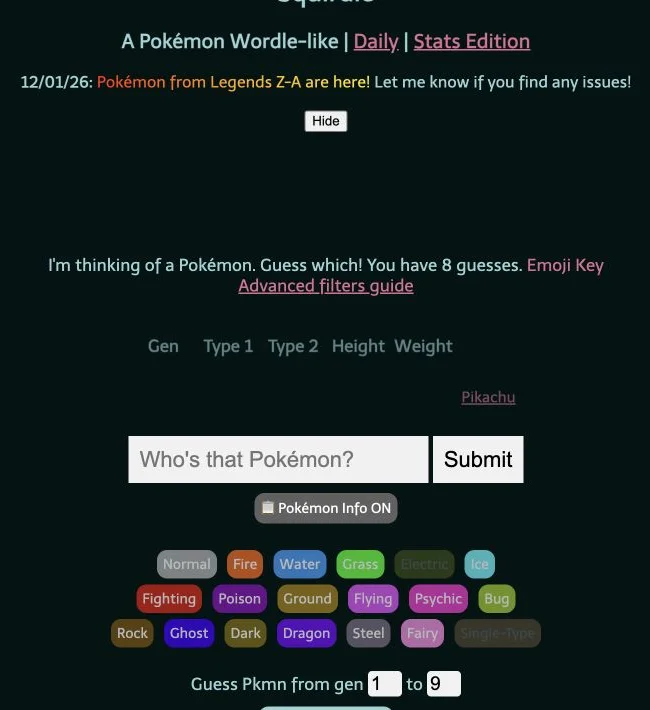
Five attributes. One Pokémon.
Let’s play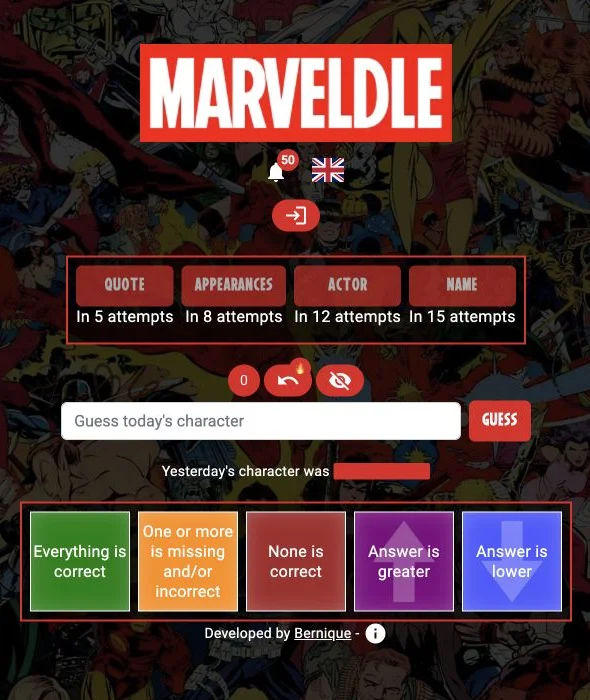 Explore game
Follow the clues to an MCU character.
Let’s play Explore game
Solve the small puzzles. See the bigger picture.
Let’s play