Marveldle
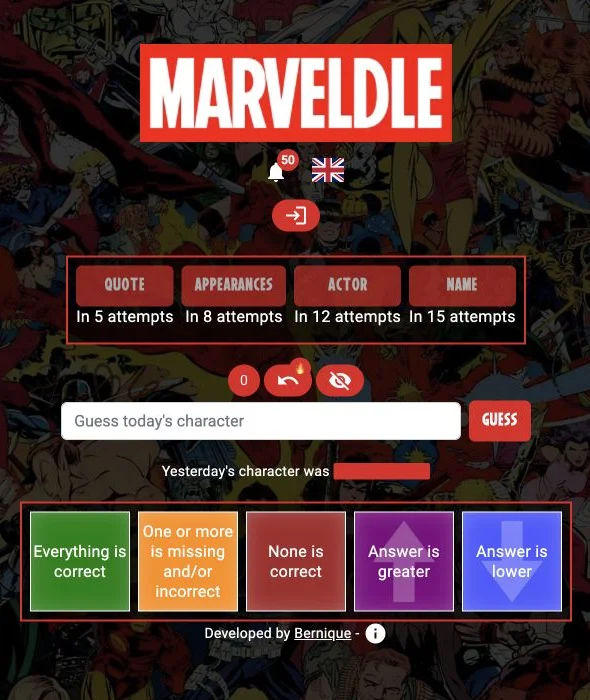
A red Marvel character comparison board
Marveldle’s MCU character mode asks you to identify a Marvel screen character. Compare each guess with the target and unlock extra clues as attempts accumulate.
 Original game
Open the original game. Keep this guide handy.
Open Guess the Character in the MCU section. The menu also offers Comics and Fantastic Grid modes.
Type a character and use the comparison colours: green is correct, orange is partly correct and red is incorrect.
Quote, appearances, actor and name clues unlock after 5, 8, 12 and 15 attempts respectively.
Identify the character with fewer guesses. Extra clues become available as the attempt counter grows.
An illustrative guide to the feedback, not today’s solution.
| Feedback or action | What it means |
|---|---|
| 5 attempts | Quote clue becomes available |
| 8 attempts | Appearances clue becomes available |
| 12 attempts | Actor clue becomes available |
| 15 attempts | Name clue becomes available |
Check a newly unlocked clue before spending another guess.
The October 16 Minecraftle compilation also shows Marveldle’s MCU character board. The current original site has the same four clue buttons.
marveldle.com · MCU character clues
Sources checked · How we check games
A red Marvel character comparison board
The red MCU character board with Quote, Appearances, Actor and Name clues.
It has a separate character pool. This guide’s play button opens the MCU mode.
The current MCU screen unlocks it after five attempts.
 Explore game
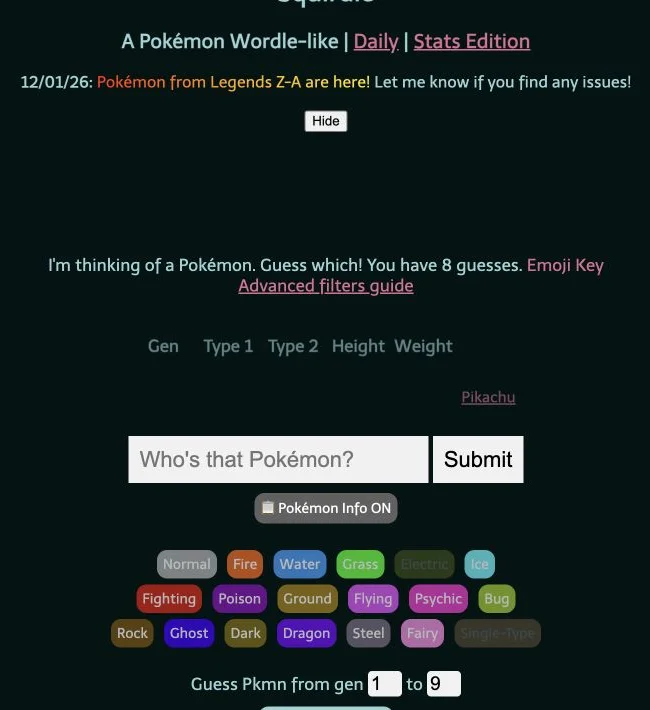
Five attributes. One Pokémon.
Let’s play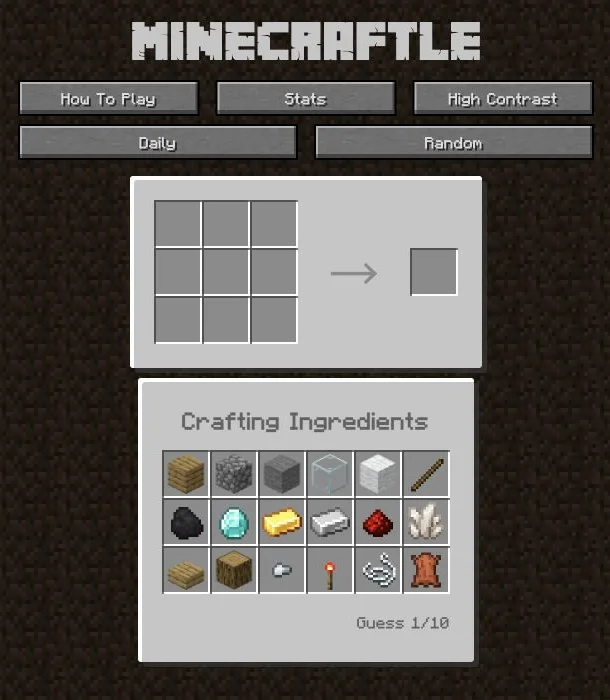 Explore game
Find the recipe from its ingredients.
Let’s play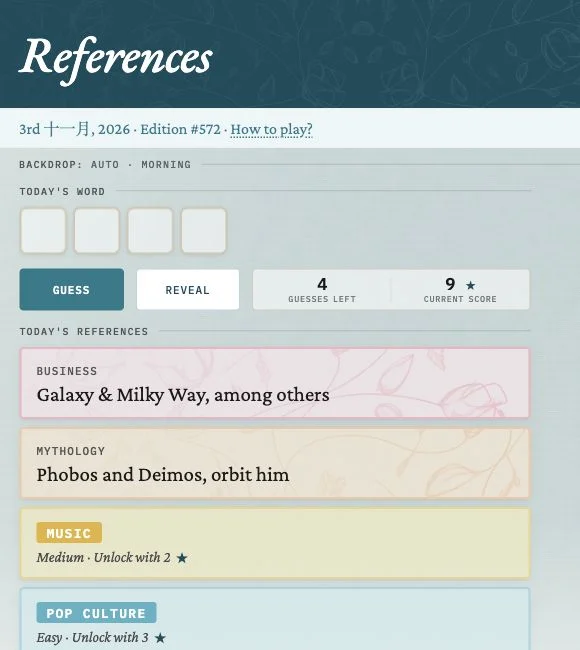 Explore game
Different clues. One shared word.
Let’s play