Songless
An audio timeline and song search
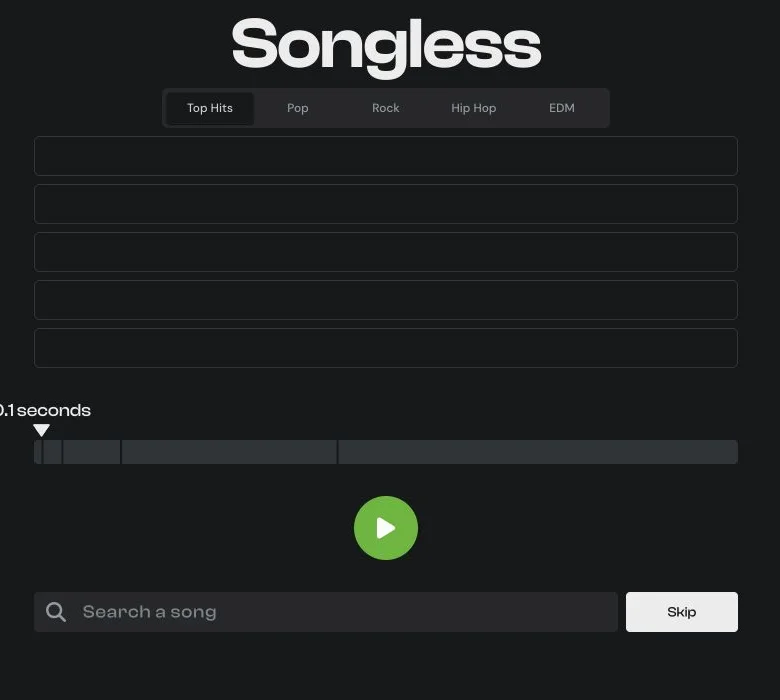
Songless is a music recognition game from Lessgames. Listen to a short audio snippet, search for the song and unlock more audio after an incorrect guess or a skip.
 Original game
Open the original game. Keep this guide handy.
Press Play to hear the available snippet. Choose a music category before starting.
Enter a song name and select your guess from the search results.
If you need more of the track, use Skip. Wrong guesses also unlock a longer snippet.
Identify the song using fewer reveals. In the checked Top Hits round, skipping the opening 0.1-second snippet revealed 0.5 seconds.
Observed in Top Hits on November 4, 2026.
| Feedback or action | What it means |
|---|---|
| Opening snippet | 0.1 seconds |
| After one Skip | 0.5 seconds |
| Result row | Marked Skipped |
A skip reveals more audio while using one row.
Clueffy’s Day 2 compilation names Songless and shows its short-audio guessing interface. The original Lessgames site now offers several music categories.
lessgames.com · Song recognition
Sources checked · How we check games
An audio timeline and song search
A guess row is marked Skipped and a longer audio snippet becomes available.
The current site offers Top Hits, Pop, Rock, Hip Hop and EDM.
Use the song search to select a track. The clue is the audio snippet.
 Explore game
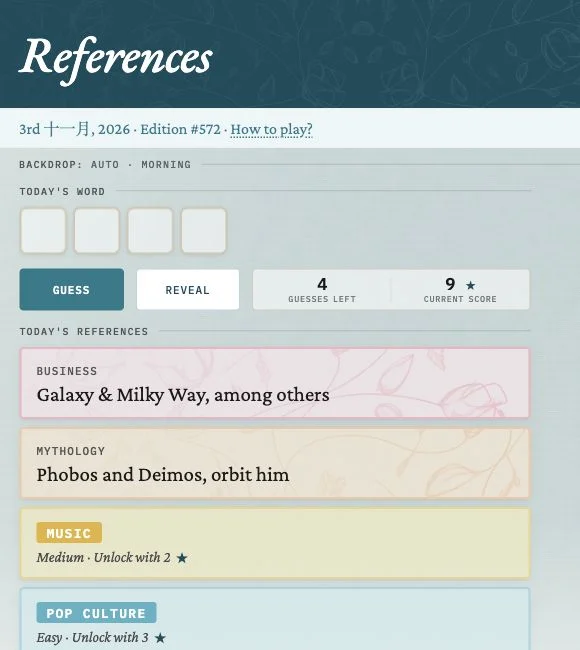
Different clues. One shared word.
Let’s play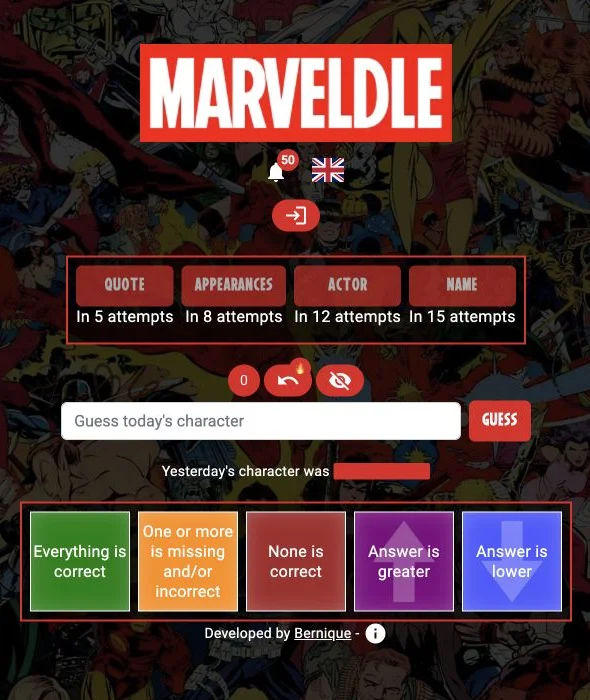 Explore game
Follow the clues to an MCU character.
Let’s play Explore game
Solve the small puzzles. See the bigger picture.
Let’s play